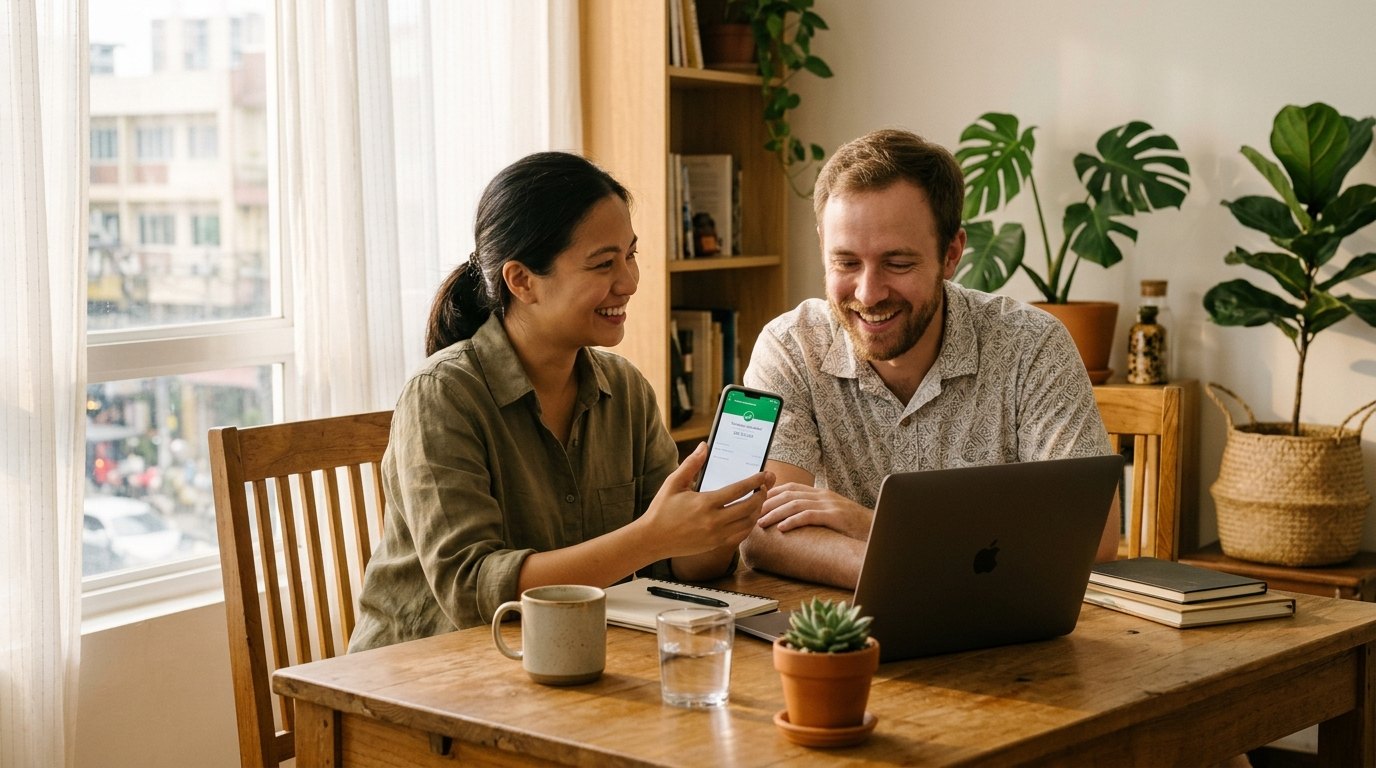
LemFi supports Philippine Peso (PHP) transfers from the US, UK, Canada, Europe, and Australia straight into GCash and Maya e-wallets as well as local commercial bank accounts (including BDO, BPI, Metrobank, UnionBank, and LandBank) settled via InstaPay or PESONet clearing. E-wallet and InstaPay payouts typically arrive in minutes once local funding clears, with low or promotional zero fees displayed upfront. Confirm your recipient's GCash verification tier before sending large sums and open the verified mobile invite link before downloading.
How PHP Remittances Settle in the Philippines: GCash, Maya, InstaPay & PESONet
Overseas Filipino Workers (OFWs) and Filipino diaspora households across the United States, Canada, the United Kingdom, Europe, and Australia rely on rapid, dependable peso liquidity to manage household tuition, healthcare, utilities, and property mortgages back home. Under Bangko Sentral ng Pilipinas (BSP) digital payment modernization, domestic settlement splits cleanly across super-app e-wallets—led by GCash and Maya (formerly PayMaya)—and two regulated interbank networks: InstaPay and PESONet.
When you send Philippine Pesos via LemFi, transfers bypass slow physical pawnshop pickup lines and route directly into the beneficiary's digital financial life. E-wallet deliveries to GCash and Maya credit straight into the recipient's verified 11-digit Philippine mobile number (09XX), usually settling within minutes around the clock so families can immediately pay Meralco electricity bills, load mobile data, settle school tuition portals, or scan QR Ph codes nationwide.
For larger household budgets, condo amortizations, or recipients preferring traditional savings balances, LemFi also connects to major Philippine commercial banks—including BDO Unibank, Bank of the Philippine Islands (BPI), Metrobank, UnionBank of the Philippines, LandBank, Security Bank, and RCBC. Understanding the clearing split between InstaPay (real-time 24/7 transfers generally capped at PHP 50,000 per transaction under domestic switch rules) and PESONet (scheduled batch clearing supporting higher PHP sums without the PHP 50,000 ceiling) helps explain why routine family stipends arrive instantly while large property or university disbursements may clear during banking batch cycles.
Explore structural differences between e-wallets and commercial bank accounts across our mobile money vs. bank deposit guide and full 70-corridor matrix.
- GCash Mobile Wallet: The Philippines' dominant everyday e-wallet; supports instant QR Ph merchant pay, GSave partner deposits, utility billing, and Mastercard/Visa debit card withdrawals.
- Maya (PayMaya) Wallet: Combines digital wallet instant settlement with Maya Savings high-yield sub-accounts and Maya Card ATM access nationwide.
- InstaPay Instant Bank Transfers: Clears 24/7/365—including weekends and Philippine holidays—in seconds to minutes for eligible domestic transactions up to PHP 50,000 per transfer.
- PESONet Batch Bank Settlement: Handles higher-value commercial bank deposits (above PHP 50,000) into BDO, BPI, Metrobank, UnionBank, and LandBank on BSP banking-day clearing cutoffs.
| Payout Channel | Supported Providers / Banks | Required Recipient Details | Typical Timing | Best Use Case |
|---|---|---|---|---|
| GCash E-Wallet | G-Xchange / GCash | Active 11-digit PH mobile number (09XX) + exact KYC legal name | Instant to minutes (24/7) | Everyday household expenses, utility bills, school allowances, QR Ph spending |
| Maya E-Wallet | Maya Philippines (PayMaya) | Active 11-digit PH mobile number (09XX) + upgraded KYC legal name | Instant to minutes (24/7) | Tech-savvy recipients using Maya Savings, virtual cards, or QR Ph payments |
| InstaPay Bank Credit | BDO, BPI, Metrobank, UnionBank, LandBank, Security Bank | Full bank account number + bank name + exact legal account title | Seconds to minutes (24/7 up to PHP 50,000 per tx) | Medium-sized family deposits where instant bank clearing matters |
| PESONet Bank Deposit | All major BSP-regulated commercial & thrift banks | Full bank account number + bank name + exact legal account title | Same banking day to next working day (Mon–Fri banking cutoffs) | High-value tuition, mortgage payments, or remittances exceeding e-wallet limits |
GCash & Maya Verified Limit Tiers: Preventing Ceiling Rejections on Large Transfers
One of the most frequent frustrations overseas Filipino senders experience happens when a transfer to GCash or Maya fails on the 25th of the month even though smaller weekly transfers to that exact same phone number cleared effortlessly earlier in the month. Almost every time, the culprit is the recipient's monthly incoming wallet limit or maximum wallet balance ceiling under Bangko Sentral ng Pilipinas e-money regulations.
Both GCash and Maya enforce strict tiered KYC limits tied to the recipient's verification profile and linked bank status. A Basic (unverified) GCash profile cannot receive cross-border international remittances reliably and faces tiny wallet caps. Upgrading to a Fully Verified GCash account—using a valid Philippine government ID such as a PhilSys National ID, Passport, Driver's License, UMID, or PRC ID—unlocks a standard PHP 100,000 wallet balance limit and PHP 100,000 monthly incoming limit. Even better, recipients who qualify for the GCash Plus tier (often unlocked by maintaining linked partner GSave deposits, GInvest activity, or linking verified bank accounts according to current GCash eligibility criteria) extend their wallet balance and monthly incoming capacity up to PHP 500,000.
Similarly, Maya differentiates between basic starter profiles and Upgraded Accounts: basic Maya accounts face low monthly limits (and restricted inward remittance utility), whereas Upgraded Maya users verified with government IDs reach PHP 100,000 monthly limits and can unlock PHP 500,000+ monthly incoming tiers upon linking Maya Savings or completing enhanced KYC tiers. Crucially, remember that monthly incoming limits count ALL credits received across that calendar month—including domestic local InstaPay transfers, payroll credits, and remittances from other relatives—so if your sister already received PHP 75,000 locally, sending PHP 35,000 into her PHP 100,000-tier wallet triggers an immediate automated bounce.
Before dispatching any transfer approaching PHP 50,000 to PHP 100,000+, ask your recipient to check their live Profile Limits meter inside GCash or Maya—or bypass wallet limits altogether by routing funds directly to their BDO, BPI, Metrobank, UnionBank, or LandBank savings account.
| Wallet & Tier | Typical Wallet / Monthly Incoming Cap | Cross-Border Compatibility | Recommended Action for Senders |
|---|---|---|---|
| GCash Basic (Unverified) | Restricted micro-wallet caps | Not suitable for international remittances; high rejection rate | Ask recipient to verify with government ID in GCash before you send |
| GCash Fully Verified | PHP 100,000 wallet balance / PHP 100,000 monthly incoming | Full support for routine remittances once SIM & ID match | Track cumulative monthly inflows across all family senders so total stays under PHP 100k |
| GCash Plus / Maya Upgraded Enhanced | Up to PHP 500,000 tier (subject to provider eligibility) | Supports larger household budgets and medical/tuition needs | Confirm upgraded status in recipient's Profile Limits tab prior to sending |
| Commercial Bank (BDO, BPI, Metrobank, UnionBank, LandBank) | No e-money PHP 100k monthly wallet ceiling | Full compatibility via InstaPay (up to PHP 50k/tx) and PESONet | Default choice for high-value remittances, property fees, or university tuition |
If parents or siblings receive remittances from relatives in both the US and UK into one shared GCash account, those incoming pesos stack toward the same PHP 100,000 monthly cap. Route overflow amounts directly to a BDO, BPI, Metrobank, UnionBank, or LandBank account.
How to Avoid Rejected PHP Transfers: Name Matching, SIM Registration & Bank Accuracy
Even when wallet capacity has plenty of headroom, Philippine compliance filters reject incoming remittances when beneficiary data contains subtle formatting discrepancies. Following four strict data-entry habits eliminates virtually all preventable returns.
First, enforce strict legal name parity. Enter your recipient's exact Given Name and Last Name precisely as recorded on their GCash/Maya KYC ID or Philippine bank passbook. In the Philippines, many people go exclusively by nicknames like Jun, Boy, Nene, or Mae—or drop suffixes like Jr. and III. Sending a transfer addressed to a nickname when the bank account reads Roberto Santos Villanueva Jr. triggers automated name-screening rejections.
Second, verify active Philippine SIM registration status. Under the Philippines' SIM Registration Act, deactivated or unregistered mobile numbers lose carrier connectivity and e-wallet service access. Double-check the full 11-digit local mobile number starting with 09 (or correctly formatted country prefix +63 9XX depending on the in-app input mask) without inserting extra zeros.
Third, match account types accurately for bank transfers. When sending to BDO, BPI, Metrobank, UnionBank, or LandBank, confirm the exact 10- to 16-digit savings or checking account number—never type a 16-digit Visa/Mastercard debit card number printed on the front of the ATM card into a bank account field unless the specific payout option explicitly requests a card number. Finally, keep single-person recipient accounts accurate rather than routing money into unverified third-party store accounts.
- No Nicknames or Unofficial Spellings: Match the legal first and surname printed on the recipient's PhilSys ID, passport, driver's licence, or bank passbook.
- Account Number vs. ATM Card Number: Philippine BDO, BPI, and Metrobank ATM cards display a 16-digit card PAN on the front that differs from the underlying bank account number—always pull the account number from the bank app.
- Verify Inactive/Dormant Bank Accounts: Philippine savings accounts untouched for two consecutive years slip into dormancy; confirm the recipient made a recent balance movement before wiring via PESONet.
- Avoid Late-Friday PESONet Timing Surprises: Transfers exceeding InstaPay's PHP 50,000 single-tx cap typically route via PESONet and wait for Monday morning Philippine banking clearing if sent after Friday cutoffs.
Sending to the Philippines from US, UK, Canada, Europe & Australia: Entities & Pricing
LemFi gives overseas Filipinos a unified app interface backed by local regulatory oversight in each major sending region, allowing cheap domestic funding rather than pricey international card surcharges.
In the United States—home to over four million Filipino Americans across California, Hawaii, Texas, New York, and Illinois—LemFi operates via Pomelo Technology US Inc. and Pomelo Two US LLC (FinCEN MSB registration 31000256615720 alongside licensed US bank partners), funded by ACH bank transfer, debit card, or Apple Pay. In Canada, Pomelo Technology Canada Ltd. (FINTRAC MSB M20383642) enables fast CAD funding via Interac e-Transfer, EFT, and debit cards—supporting huge diaspora corridors from Toronto, Vancouver, Winnipeg, Calgary, and Edmonton.
In the United Kingdom, Rightcard Payment Services Limited (FCA Authorised EMI FRN 900424) supports instant GBP top-ups via Faster Payments, UK debit cards, Apple Pay, and Google Pay—particularly valued by NHS nurses and UK healthcare professionals remitting monthly. Across Europe, LemFi-Europe Limited (Central Bank of Ireland registration C182347, serving IE, FR, DE, ES, PT, IT, BE, and NL) connects SEPA and SEPA Instant euro transfers. And in Australia, senders top up AUD cleanly using PayID/Osko or domestic debit cards.
How does total cost compare against World Bank Remittance Prices Worldwide averages (roughly 6.36% globally and across East Asia & Pacific corridors)? LemFi displays a low or promotional zero upfront fee upfront alongside a guaranteed PHP conversion rate before you authorize payment. Look at an illustrative scenario based on typical corridor spreads (always check the live in-app quote screen before confirming, as PHP/USD shifts constantly): imagine sending USD 500 from Los Angeles to a BPI account in Quezon City near an indicative interbank rate of 58.60 PHP/USD. A traditional bank wire charging USD 35 upfront plus a 3.5% FX margin converts only USD 465 at ~56.55 PHP/USD—landing roughly PHP 26,295. By contrast, a transparent digital corridor quoting promotional zero or minimal flat fee with an illustrative 0.6% to 0.9% spread lands roughly PHP 29,035 to PHP 29,125—saving nearly PHP 2,800 on a single monthly remittance. Compare fee philosophies further in our zero-fee FX guide and Remitly, Wise, and Western Union comparison.
| Provider | Upfront Fee Model | FX Conversion Clarity | Philippine Payout Breadth | Speed Expectations |
|---|---|---|---|---|
| LemFi App | Low or promotional zero fee shown upfront pre-send | Single guaranteed PHP total locked before tapping Send | GCash, Maya + BDO, BPI, Metrobank, UnionBank, LandBank | Minutes (GCash, Maya, InstaPay) to same banking day (PESONet) |
| Remitly | Economy ($0–low) vs. Express debit/card fee tiers | Promotional first-transfer rate, then standard tiered spread | GCash, Maya, major banks + physical pawnshop cash pickup | Minutes (Express) to 3–5 business days (Economy ACH) |
| Wise | Explicit variable fee percentage + flat fee shown upfront | Mid-market FX rate with itemized fee deducted | Philippine bank accounts, GCash, and Maya | Minutes to 1 business day |
| Western Union / Bank Wire | Agent commission or $25–$45 US/UK outgoing bank wire fee | Substantial FX margin (frequently 2.5%–5.0%) | Cash pickup (WU) or branch wire processing (banks) | Instant cash pickup (higher cost) or 2–4 business days (bank wire) |
How to Download LemFi & Claim the Invite Bonus for Philippines Transfers
If you are creating a brand-new LemFi account to send PHP home to Manila, Cebu, Davao, Iloilo, or Pampanga, make sure you preserve new-user welcome bonus tracking before downloading the app. Navigating directly to the Apple App Store or Google Play Store without clicking an affiliate deep link drops referral attribution at install—and LemFi support cannot apply welcome invites retroactively once registration finishes.
Instead, tap the verified LemFi mobile invite link straight from your smartphone browser first. In core regulated sending markets, standard welcome qualification requires completing a single first international transfer meeting the regional minimum—commonly £50 (UK), $50 (US), CAD 50 (Canada), €50 non-EU (Europe), or AUD 50 (Australia)—though seasonal promotional bonus sizes and eligible routes can vary. Always check active reward rules inside your in-app Earn tab after verifying KYC, keeping in mind that LemFi Cash serves as usable transfer bonus credit inside the app rather than directly withdrawable bank cash. Review our complete LemFi Referral Bonus playbook and app installation guide.
- Open the Mobile Invite Link Before App Store Install: Tap https://lemonadefi.app.link/ZQ9Ex00STUb directly on your iPhone or Android device to bind partner attribution.
- Complete Quick Identity Verification (KYC): Submit your valid government ID (passport, driver's licence, or national residence ID) and live selfie check; check our KYC tips guide to pass on the first try.
- Inspect Active Philippines Offer in the Earn Tab: Open the in-app Earn section to confirm the minimum qualifying transfer threshold and active promotional LemFi Cash credit for your country.
- Fund Your Wallet Locally: Top up USD (ACH/debit), GBP (Faster Payments), CAD (Interac e-Transfer), EUR (SEPA), or AUD (PayID/Osko).
- Choose GCash, Maya, or Bank Deposit & Send: Select Philippines (PHP), double-check the recipient's KYC tier headroom and legal name, verify the live upfront fee and guaranteed PHP payout, and confirm.
If you are sending university tuition or medical hospital deposits exceeding PHP 50,000, send straight to BDO, BPI, Metrobank, UnionBank, or LandBank rather than splitting multiple transfers into a PHP 100k-capped GCash wallet.
Troubleshooting Returned GCash/Bank Transfers & Reaching Official Support
When a Philippine transfer delays or bounces back, checking three details resolves 95% of cases cleanly: (1) whether your own sending bank rail—such as a first-time US ACH debit—has settled into LemFi yet, (2) whether your recipient's GCash or Maya account already exhausted its monthly PHP 100,000 incoming cap, or (3) whether an ATM card number was mistakenly entered instead of the underlying BDO/BPI/Metrobank savings account number.
If an e-wallet payout reverses, ask your recipient to screenshot their Profile Limits meter inside GCash or Maya and confirm their SIM registration is active. If they are close to their monthly wallet limit, switch the payout recipient directly to a verified Philippine commercial bank account and re-send once reversed funds return to your LemFi balance.
Never pay 'unlocking fees' or share OTP codes with strangers messaging you on Facebook Messenger or SMS claiming to be remittance agents. Whenever you need official transaction or KYC verification assistance, reach LemFi exclusively through the in-app assistant Lemy, the Help Centre at https://support.lemfi.com, email at support@lemfi.com, or verified regional support numbers: UK +44 20 4579 5921, US +1 702 505 4976, Ireland +353 818 882 505, France +33 1 78 91 73 74, Spain +34 628 59 25 75, Portugal +351 300 05 17 17, and Belgium +32 466 90 02 63.
- Basic Unverified Wallet Rejects: Always ensure GCash or Maya users upgrade beyond Basic status with a valid government ID prior to international receipt.
- Philippine Public Holidays & PESONet: High-value PESONet batch settlements pause on Philippine banking holidays (such as Holy Week and Rizal Day), whereas GCash, Maya, and InstaPay stay live 24/7.
- Exact Bank Account Format: Confirm whether your recipient's account is a standard peso savings account rather than a closed payroll card from a former employer.
- Explore Related Asia Guides: Read our briefings for China, India, Bangladesh, and sending step-by-step.